 at.wallet
At.wallet hardware access and recovery after the service shutdown
At.wallet was a fingerprint-protected hardware wallet that lost its transaction service on June 1, 2025, following the retirement of a third-party server. It kept private keys on the card, while its software handled transaction information and network access. Recovery words can restore the accounts through a compatible replacement wallet, provided the original recovery settings and relevant cryptocurrency support match.
The shutdown didn’t move assets between blockchain addresses. Existing balances remain governed by the underlying network and its keys. A replacement wallet needs to recreate the right accounts before its display can identify those assets.
The short version: Recovery requires the original words, any optional passphrase, and a replacement wallet that supports the original cryptocurrency and account format.
The June 2025 shutdown and remaining access
Hardware sales had already ended in May 2023. The transaction service ended on June 1, 2025, because its third-party transaction API server was deprecated. An API is an interface through which software requests another service’s functions. Keeping the physical card didn’t preserve that external service. The product also reached end-of-life status. Its firmware and companion apps no longer receive updates or security patches, and active technical support ended. Existing software therefore lacks ongoing maintenance to address later operating-system or blockchain changes, which can affect compatibility.
The card, app, and blockchain
The card held signing keys, the app prepared transaction information, and the blockchain maintained asset records. Local authorization and network communication had different roles.
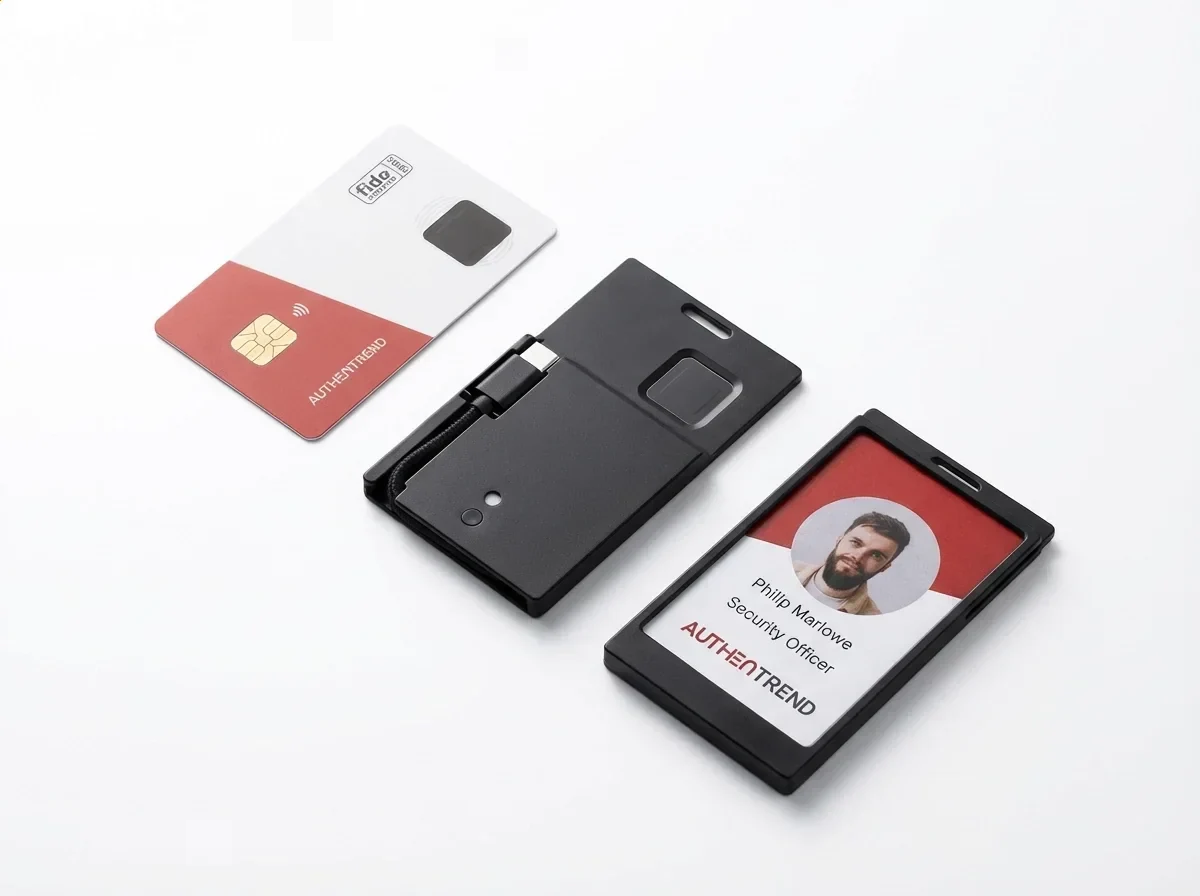
Private keys and authorization
A secure element, a protected chip inside the card, generated and stored private keys. The design used an Infineon SLE97 secure element. Fingerprint matching controlled access to the wallet and its transaction functions. A private key supplied the cryptographic signature that authorized a transaction; the fingerprint itself wasn’t a blockchain credential.
App data and network communication
Transaction details
The sending workflow collected the receiving address, amount, and fee before confirmation. The card displayed transaction details for review, and fingerprint verification accompanied approval. These were historical operating functions. Local approval alone didn’t mean that a transaction had reached or completed on a blockchain.
Balances and submission
Balance information represented assets at blockchain addresses, even when the card presented it on its screen. Reading that information and submitting a transaction required different capabilities. A retained address could still identify an account while the original software’s transaction service had stopped operating.
Fingerprint access and the standalone display
The card could hold a main wallet and a hidden wallet. Standalone mode let it display wallet information after fingerprint authentication, including receiving addresses and QR codes. With no fingerprint bound to a specific wallet, this mode showed only the main wallet; the app handled the switch to the hidden wallet. Its e-ink screen reduced the need for a phone just to view that information. Biometric templates remained on the card during fingerprint matching. That local handling concerned biometric data, separately from the blockchain’s public transaction records. Enrolled fingerprints controlled the device; recovery words recreated the wallet’s keys. Restoring those words elsewhere doesn’t carry the card’s fingerprint rules into the replacement. Its own authentication governs local access to the recovered keys.
Historical mobile, desktop, and cryptocurrency support
During its supported lifetime, the wallet offered Bluetooth Low Energy (BLE) connections for iOS and Android, and the Mac app also supported BLE. USB connections through the docking accessory served Windows and Mac. Each path required appropriate companion software. The Windows app’s quickstart instructions excluded Bluetooth pairing, so its desktop connection used USB.
Historical asset support included Bitcoin (BTC), Bitcoin Cash (BCH), Ethereum (ETH), Litecoin (LTC), XRP, Dogecoin (DOGE), Dash (DASH), and ERC-20 tokens. ERC-20 support covered tokens on Ethereum. The same token name on another network didn’t make that network compatible with the wallet.
The app also offered WalletConnect for Ethereum decentralized applications. Newer applications may require connection or signing features that the discontinued software doesn’t support. For recovery, the replacement needs support for the cryptocurrency’s actual network and original account format.
Can recovery words restore access after the shutdown?
Recovery words can restore the accounts in another compatible hardware or software wallet when the original recovery inputs match.
The phrase must contain the correct words in their original order. During wallet creation, the product also offered an optional recovery passphrase. A wallet created with that optional passphrase required the same passphrase for recovery. This secret belonged to the recovery process, independently of fingerprint enrollment.
A destination must support the relevant cryptocurrency and the original method of deriving its addresses. A derivation path selects an account and its addresses from the recovered keys. A wallet can accept the words while displaying another account if its derivation settings differ.
For Bitcoin and Litecoin, the old app offered an optional BIP84 setting for native SegWit accounts. A replacement needs to discover the accounts created with that setting. An incompatible configuration can leave an existing account absent from the app’s display, even when the recovery words themselves are correct.
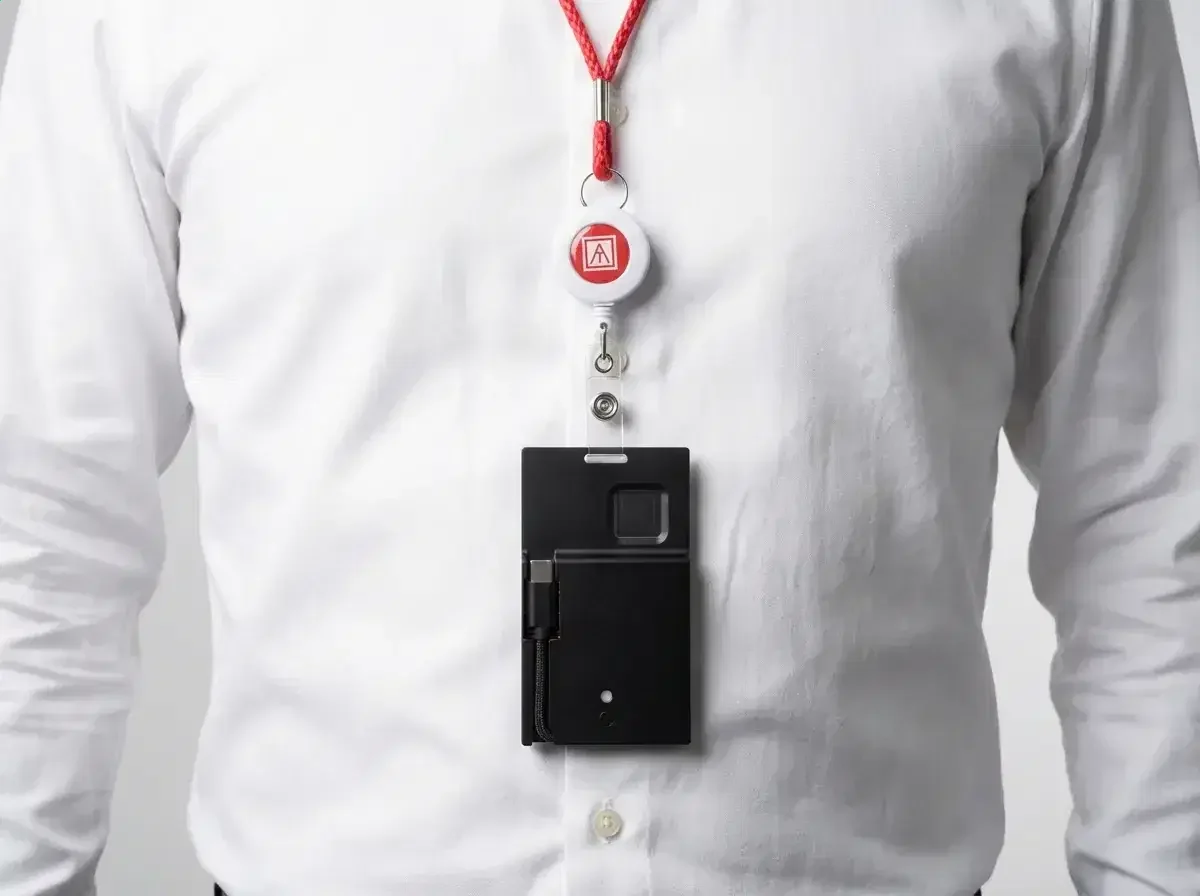
A recovery check with matching account settings
In this hypothetical case, an existing owner has the complete recovery phrase, the original optional passphrase, and a previously used receiving address. The replacement wallet supports the original cryptocurrency and address format. These are assumed circumstances, not properties of every replacement wallet.
The owner restores the phrase through the replacement wallet’s recovery process and supplies the original passphrase. The wallet derives the account using matching settings. Its address view includes the previously recorded receiving address, and its synchronized history shows the earlier activity.
The matching address and history identify the restored account in this example. Recovery hasn’t moved assets or demonstrated a completed payment. The owner now has the original account available through another wallet, independently of the retired transaction service.
A different passphrase or incompatible address format would invalidate the account match. If a later check shows a mismatch, the owner stops before sending and rechecks the original settings. The phrase and passphrase determine the recovered keys. The replacement’s supported address formats determine which accounts it can display. If the original format is unavailable, recovery needs a different compatible wallet.
What if the recovery words are missing?
Missing recovery words leave post-shutdown spending unresolved, even when the card unlocks. The pre-shutdown fallback was to transfer assets to another wallet before June 1, 2025. That deadline has passed. Preserve the existing device and backup records while resolving access. Its public receiving address can’t supply the private keys needed to move assets. Retained balance information can describe an earlier account state without providing the missing recovery credentials.
Replacement wallets and the key-protection trade-off
A replacement needs compatible recovery inputs and usable support for the affected network. Hardware and software wallets handle keys in different environments. Hardware can keep transaction signing inside a dedicated device. Software handles the recovered keys in its software environment, changing the protection around them even when it recreates the same blockchain accounts. Importing a phrase into software exposes its key material to that environment; the old card’s biometric controls don’t protect that copy. A separate hardware import can’t undo a prior exposure. The backup therefore needs protection wherever recovery happens, including any optional passphrase that accompanies it.
Compared with retaining the discontinued card, a compatible replacement can provide access through a different transaction interface. Its support for the recovery inputs, account format, and network determines whether that access is usable. Choosing hardware or software then determines where the restored keys operate and how the replacement protects them.
Still wondering about At.wallet?
Does restoring the wallet incur a blockchain transaction fee?
Restoring recovery words doesn’t itself create a blockchain transaction or incur a network transaction fee. It recreates keys and accounts in the destination wallet. Sending assets afterward is a separate operation with the relevant network’s fee requirements. A charge for software or a replacement device would be a separate cost, not a blockchain recovery fee.
Can the manufacturer retrieve a forgotten recovery passphrase?
The manufacturer didn’t record the optional recovery passphrase during wallet setup. Recovery of a wallet that used it therefore requires the original passphrase alongside the words. A replacement app’s password or a new fingerprint enrollment won’t substitute for it. Keep that passphrase distinct from the password that protects the replacement app.
How many fingerprints could the card enroll?
The card supported enrollment of up to eight fingerprints, including fingers from multiple users. Those enrollments controlled access to the device. They didn’t create eight separate blockchain signing keys or a multi-signature approval requirement. Allowing another person’s fingerprint gave that person access under the card’s configured wallet permissions.
Must the card approve an incoming payment with a fingerprint?
An incoming transfer to an existing valid receiving address doesn’t require the card’s fingerprint approval. The old app shared receiving addresses without fingerprint verification, while standalone mode required authentication to display wallet information. Those functions had different access conditions. Receiving a payment doesn’t establish that the discontinued transaction service can send those assets onward.
Is an app-store listing evidence that the transaction service still works?
An app-store listing doesn’t establish that the retired transaction service still works. Store availability concerns distribution of the app, while transaction handling depended on a separate server. The service ended on June 1, 2025, and product updates have stopped. Installing an old app doesn’t restore that server or demonstrate compatibility with present network services.
Updated: